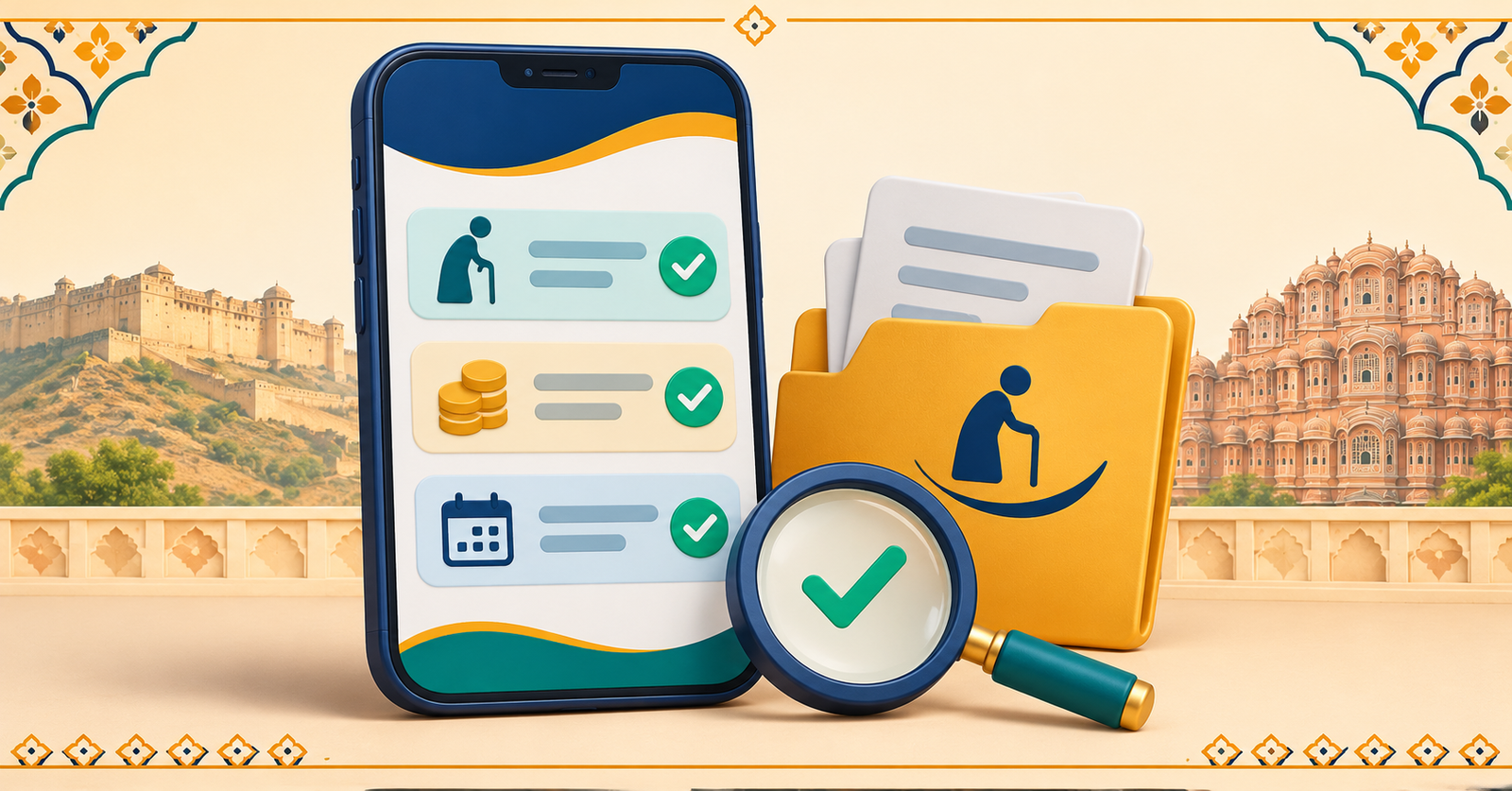
How to Check RajSSP Pension Status Online: Application, PPO and Payment Guide
RajSSP pension status can help an applicant understand whether a pension request is submitted, under verification, sanctioned, rejected, stopped, or awaiting correction. Rajasthan residents should use only official government services for status checks and should never share Aadhaar OTPs, bank PINs, passwords, or full identity documents on an unofficial website.
Important: RajSSP.net is an independent information website and is not affiliated with the Government of Rajasthan. Portal screens, report names, eligibility conditions, and procedures can change. Confirm current information on the official Social Security Pension portal or Jan Soochna.
What You Need Before Checking RajSSP Status
Keep the reference printed on the application acknowledgement or e-Mitra receipt. A newly submitted request is normally tracked with its application number. A sanctioned pension record may be associated with a PPO number, which is different from the original application number.
- Application number or acknowledgement number
- PPO number, if the pension has already been sanctioned
- Correct spelling of the applicant’s basic details
- Access to the official captcha displayed on the government report
- The e-Mitra receipt or other submission record for comparison
How to Check Application Status
- Open the official Rajasthan Social Security Pension portal at ssp.rajasthan.gov.in.
- Locate the reports or pension status section shown on the official website.
- Select the report intended for an application or pensioner status check.
- Enter the requested application reference or PPO number.
- Complete the captcha exactly as displayed.
- Submit the form and read the current status, remarks, and available pension details.
Do not repeatedly submit a new application merely because an existing request is taking time. First check whether the original application is pending verification or requires a correction.
Understanding Common RajSSP Status Messages
Application Submitted
The request has been recorded. Save the acknowledgement and allow the responsible authority time to begin verification.
Under Verification
The authority may be checking residence, age, income, category, Jan Aadhaar data, bank details, disability records, marital status, farmer records, or other scheme-specific evidence.
Objection or Correction Required
A field or document may be missing, unclear, outdated, or inconsistent. Read the exact objection. Correct the source record through the authorized service instead of guessing or creating duplicate forms.
Approved or Sanctioned
The application has passed the applicable checks. PPO generation and the first bank credit can still require additional processing. Compare the pensioner status and payment report rather than assuming that approval and payment occur on the same date.
Rejected
The request was not accepted under the submitted information or applicable rules. Review the stated reason and ask the competent office whether a correction, review, appeal, or fresh application is appropriate.
Stopped or Suspended
An existing pension may be stopped because annual verification is incomplete, records do not match, a bank transfer failed, or the beneficiary record is under review. The displayed reason should guide the next step.
Application Number vs PPO Number
The application number identifies the submitted request. The PPO number is associated with a sanctioned pension record. Keep both references when available. If a reference is missing, check the e-Mitra receipt, approval record, previous verification documents, registered mobile messages, or the responsible local office.
How to Check Beneficiary and Payment Information
The Rajasthan Jan Soochna portal provides public services related to social security pension eligibility, beneficiary information, area-wise beneficiaries, and payment details. Visit the official Social Security Pension section on Jan Soochna and choose the service that matches your purpose.
Public beneficiary information must be used responsibly. Do not publish another person’s PPO, Aadhaar number, bank information, receipt, or personal documents.
What to Do When No Record Is Found
- Check that the correct report was selected.
- Re-enter the application or PPO number without extra spaces.
- Confirm the reference against the original receipt.
- Try again later if the official portal is temporarily unavailable.
- Ask the e-Mitra centre or competent pension office to verify the submitted reference.
Where to Get Official Help
Depending on the problem, assistance may be available through an authorized e-Mitra centre, Gram Panchayat, Panchayat Samiti, municipality, local Social Justice and Empowerment office, or another competent authority. Carry copies rather than handing over original documents unless an authorized procedure specifically requires them.
Safety Checklist
- Use an official rajasthan.gov.in or other verified government address for personal data.
- Never share an OTP, UPI PIN, bank PIN, card details, or password.
- Do not pay anyone who claims to guarantee pension approval.
- Log out after using a shared computer.
- Save complaint and transaction reference numbers.
Frequently Asked Questions
Can RajSSP.net approve or restart a pension?
No. Only the competent government authority can approve, reject, correct, stop, restart, or pay a pension.
Does sanctioned status mean payment has reached the bank?
No. Sanction and bank settlement are separate stages. Check the official payment report and bank statement.
Can status be checked on a mobile phone?
Yes. Use a current browser. If the report or captcha does not render properly, refresh the page or try desktop mode.
Last reviewed: November 14, 2026. Verify time-sensitive details through official Rajasthan government sources.




One Comment